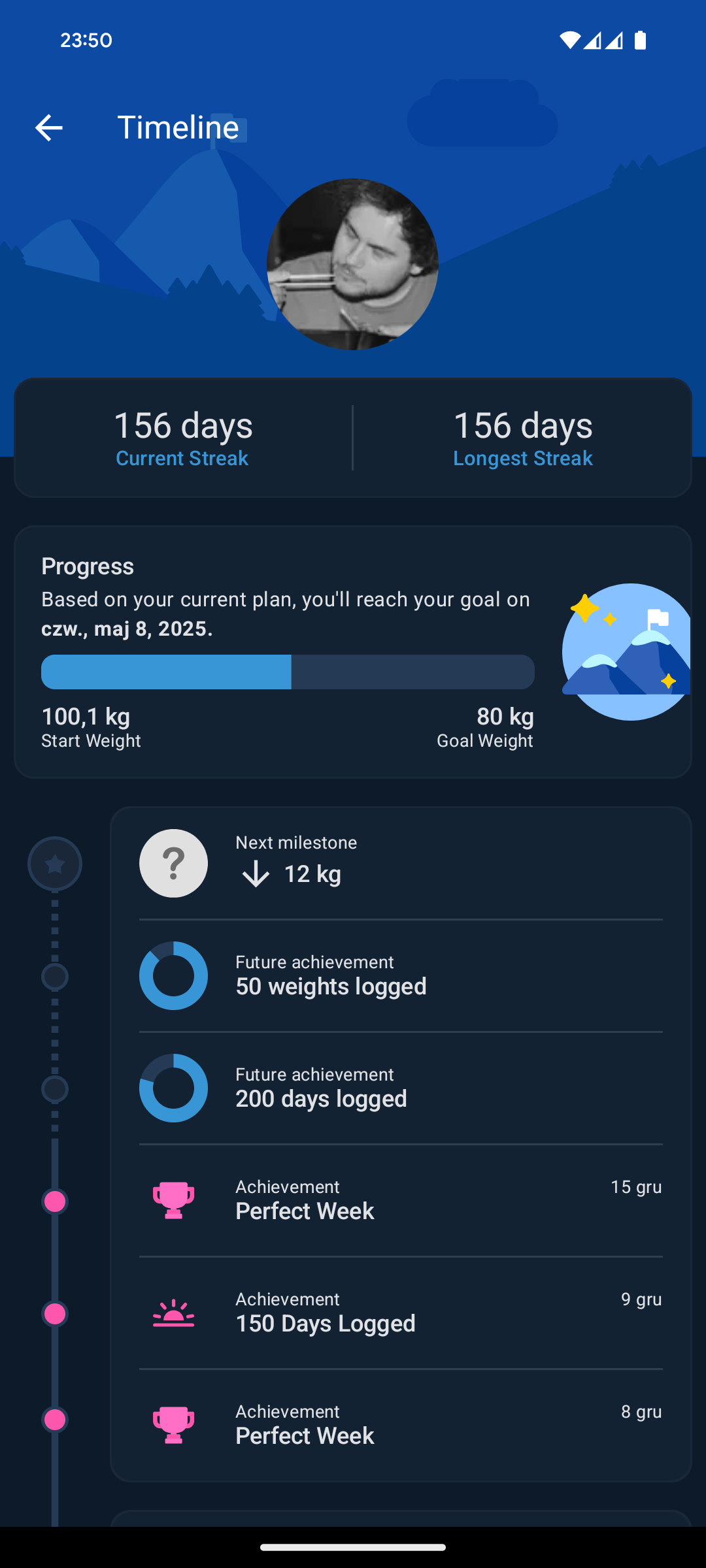
I donāt get why Apple Watch doesnāt do the same shit Whoop is doing. They have the same data, but Whoop is like thousand times more helpful. I tries to understand my patterns and gives me actionable advices that – seems like are good. Damn you Apple because I wanted to return that Whoop and Iām not so sure anymore.
Back to my regular tech rambling. Whoop would be much more u
Back to my regular tech rambling. Whoop would be much more useful if it could vibrate on call.
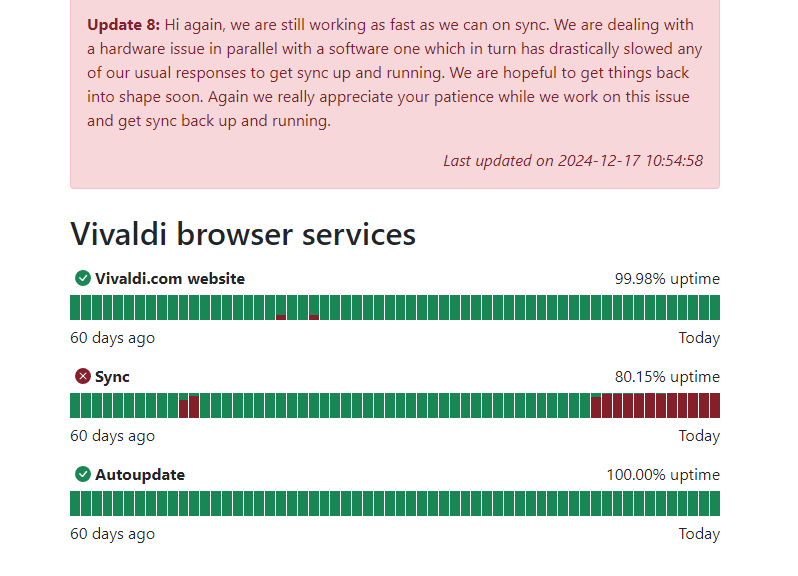
Iām not able to actually say anything, speechless.
I can’t thank anyone enough for helping out. Seriously. Than
I can’t thank anyone enough for helping out. Seriously. Thank you.
My mother has liver cancer. We have started a fundraiser to
My mother has liver cancer. We have started a fundraiser to help cover some of the treatment costs. I would be grateful for any shares or donations.
Sorry, not sorryāanother iOS vs. Android thing. Basically, b
Sorry, not sorryāanother iOS vs. Android thing. Basically, because Iāve changed my lifestyle over the past yearālosing a lot of weight, gaining muscle, and going to the gym regularlyāI find myself using my Apple Watch much more than I did, say, two years ago.
Iāve been testing Whoop, and itās really nice, but the Apple Watch provides almost the same experience without requiring a subscription. That makes it hard for me to fully move away from the iPhone, because in the long run, the Apple Watch + iPhone combo ends up being more cost-effective.
This is never going to be not funny. Apple Music works great
This is never going to be not funny. Apple Music works great on Android but on the iPhone is just freaking slow.
Because I can, I’m sometimes moving between iPhone and Pixel
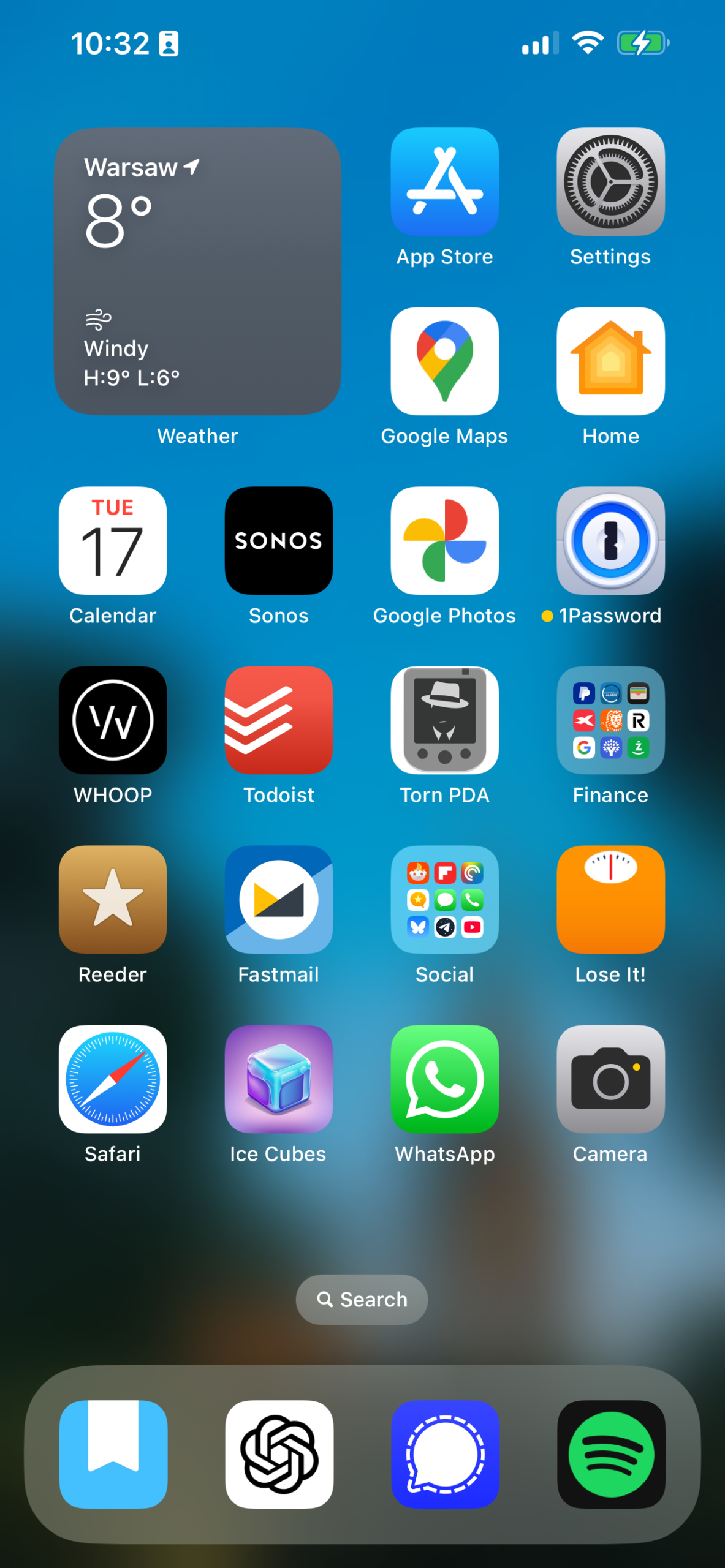
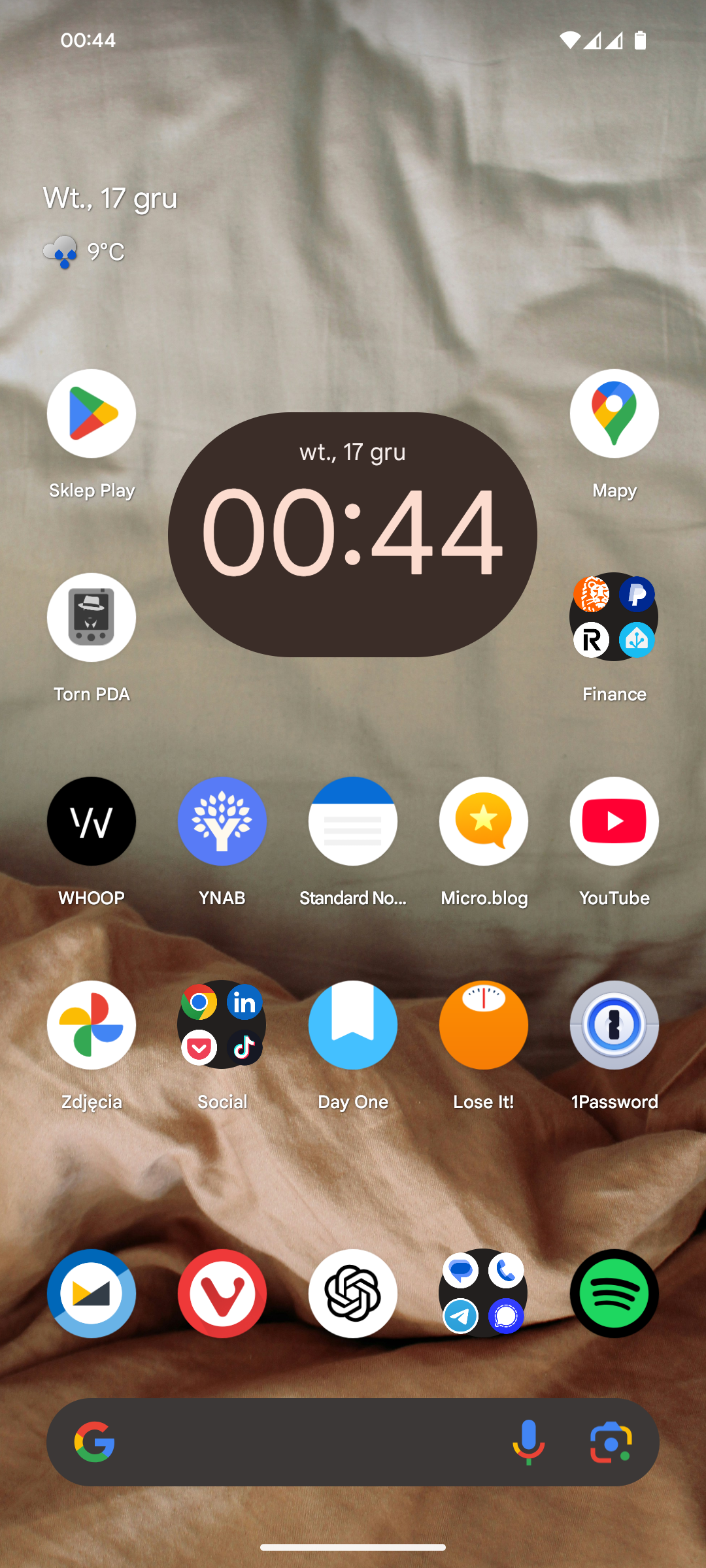
Because I can, I’m sometimes moving between iPhone and Pixel. Most of the time it’s pixel but there are moments in which I find myself wanting to use iPhone (mostly because of Apple Watch and ability to be notified on my wrist when something REALLY IMPORTANT happens or because our apartment still has some automations based on Homekit).
But what pains me this time – I felt that notification wise I’m missing a lot on iOS. Action buttons in android notifications are golden. Somebody sends me a link? I can open it from notifications without even opening the communicator app. New YouTube video? I can just add it to watch later from notifications.
I find myself more and more saying yes to notifications on Android because I can control them better and I can easily get rid of them if needed (something that never works on iOS because you can click X and mass prune them but some of the notifications are above that X area and they won’t be deleted and I have no idea what the rule is).
That’s another one for you from my OS battles.
šæ [A Real Pain (2024)](https://www.themoviedb.org/movie/1013
šæ A Real Pain (2024) – ā ā ā ā ā
Get a free WHOOP 4.0 and one month free when you join with m
Get a free WHOOP 4.0 and one month free when you join with my link: https://join.whoop.com/CD90CC
I wanted to break myself a bit more from Apple ecosystem wit
I wanted to break myself a bit more from Apple ecosystem with a non-Apple fitness tracker. Can’t wait till it gets here!

Moved to iPhone yesterday but got annoyed in first 12 hours
Moved to iPhone yesterday but got annoyed in first 12 hours and I’m back on Pixel. Welp.
RSS bankruptcy. Not going to read 2000 articles.
It looks like after stopping podcasting I have stopped carin
It looks like after stopping podcasting I have stopped caring about technology that much. Or I needed a break from it and I’m still on it. Most of the days I don’t even use my PC after work. Love this character development!
My Defaults (2024)
Well, itās been over a year since I last talked about my defaults (even though I tried to update it along the way).
A lot has changed in that year, so Iām going to go over it again. To make things easier, Iām reusing the old list with previous defaults and will let you know if and how they have changed.
šØ Mail Client: Mail.app on both iOS and macOS; for work, Mimestream (Google accounts only). Because Iāve shifted most of my day-to-day activities to a Windows machine (I managed to get a BEAST with 64GB of RAM and a 4TB SSD for under $1,000), I now handle most of my mail in the browserāFastmail in Vivaldi (personal) and Gmail in Chrome (work). On any of my devices (I use Android personally now, while my iPhone is mainly for work), I use the Fastmail and Gmail apps.
š® Mail Server: Fastmail for personal use and Google for work. No changes here!
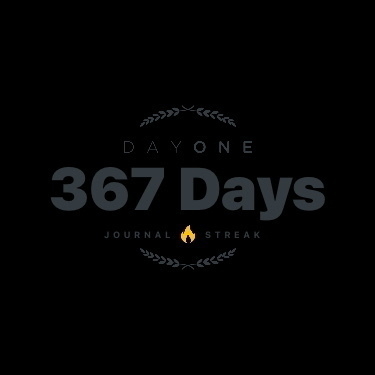
š Notes: Obsidian, Tot, and Day One. Day One is still here; I have a streak thatās about 300 days long now. For regular notes, Iāve settled on the free version of Standard Notes. When I moved away from the Apple-only ecosystem, I needed something that worked across all OSes, and Standard Notes does.
ā To-Do: Akiflow and Things. Akiflow is still going strong; I even paid for five years of it since Iām not planning on dropping it anytime soon. I use it solely for my work calendar and tasks, and itās made a huge difference for me. For personal tasks, I use Google Tasks. It just works: I add tasks with dates, and they show up when needed. I no longer need the complexity of something like Omnifocus, and it felt great to let go of that.
š· Phone Camera: I previously used the Camera app on iPhone exclusively. Now, I take most of my photos with a Google Pixel 8a. The camera on the 8a is amazing, and I love having that 2x zoom button in the camera app.
š¦ Photo Management: Lightroomāstill going strong! Lightroom is fantastic.
š Calendar: Previously used Calendar on iOS and Akiflow on Mac; now itās Akiflow on PC and the Fastmail app on Android.
š Cloud File Storage: iCloud + Backblaze B2āstill my go-to. Iām not using Google Drive yet, and honestly, I donāt know if I need to archive many actual files. Most of my āfilesā are Google Docs, Sheets, and photos. I have some archives, but itās only a few gigs of data. I may copy it to Google Drive for access on my Pixel, but I havenāt really needed it in the past year.
š RSS: FreshRSS with Reeder. Since I moved to Android, I now use Read You with FreshRSS. It works well, and I donāt miss Reeder!
šš»āāļø Contacts: Same as before. I use whatever is default on Android.
š Browser: Arc Browser on Mac and Arc Search on iOS. Arc has gone downhill in recent months, and their Windows app never took off. I dropped Arc entirely and switched to Vivaldi. It works as well as Chrome without actually being Chrome. I donāt care as much about browsers anymore, so Vivaldi it is.
š¬ Chat: Telegram, Signal, and WhatsAppāstill the same, though Iād rank them differently now: Signal, WhatsApp, Telegram.
š Bookmarks: Browser.
š Read It Later: Good Links. Iāve stopped using āread it laterā tools. If I need to save something for later, I send it to myself via Signal or email. But honestly, I only did that a few times over the entire year. Another thing I let go of!
š¤ Mastodon: Previously used Ivory and IceCubes. Now, itās mostly in the browser, and if Iām on my phone, I use Moshidon.
š Blog: micro.blog and Day One.
āØļø Launcher: Raycast. I donāt use macOS that much anymore, but when Iām on my MacBook (like right now), I still use Raycast.
š Word Processing: Obsidian. I canāt even remember what I meant by āWord Processingā originally, but I mostly use Google Docs now.
š Spreadsheets: Google Sheets.
š Presentations: Google Slides.
š Shopping Lists: Previously used Reminders; now I use Google Tasks.
š° Budgeting and Personal Finance: YNAB.
š° News: RSS.
šµ Music: Spotify.
š¤ Podcasts: Pocket Casts.
š® Gaming: PS5, Xbox Series X, Nintendo Switch, and Anbernic RG35XX.
š Password Management: 1Password.
šØš»āš» Terminal: Previously used WebSSH; now I use whatever Windows providesāusually PowerShell or something similar.